App Preview
Designed for clarity,
Designed for clarity,
built for trust.
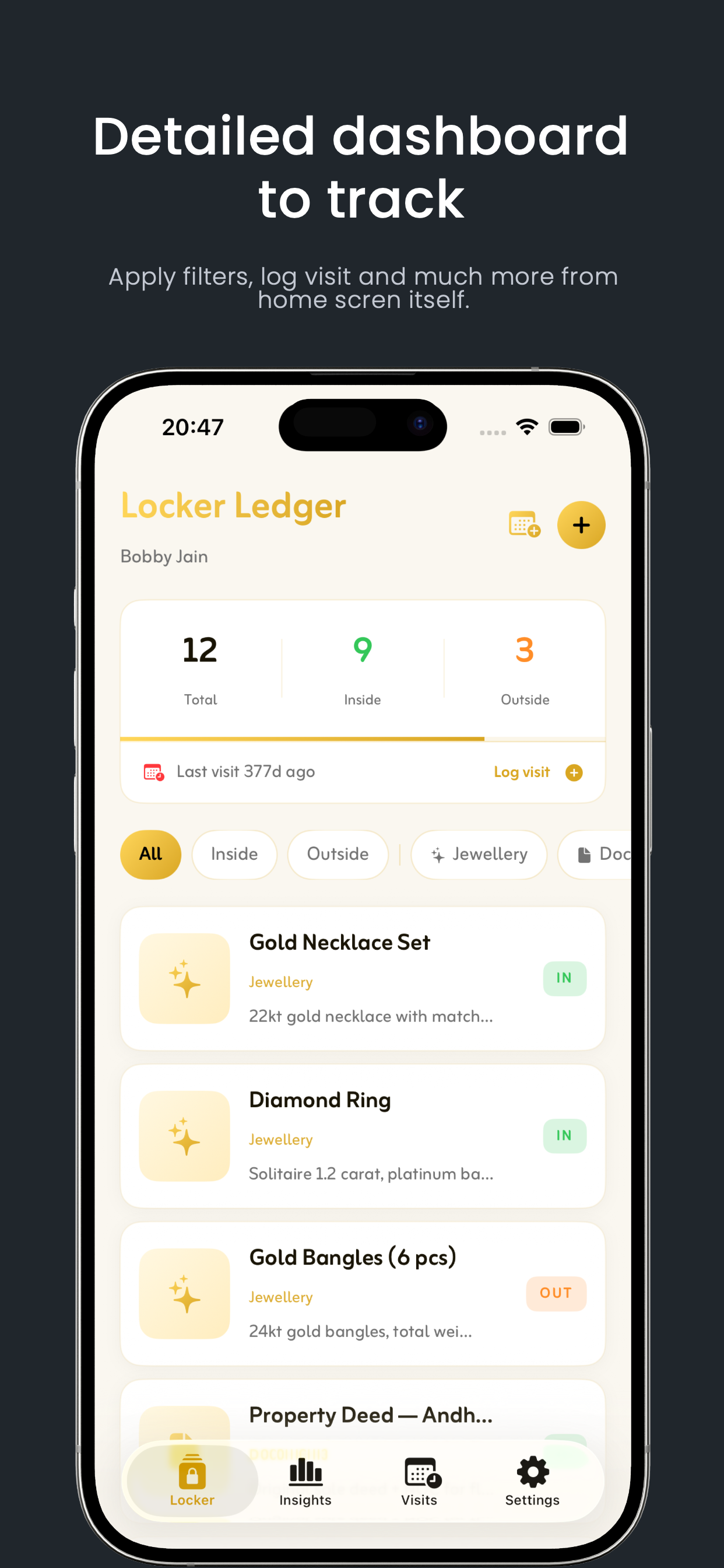
Dashboard
Item List
Add Item
Visit Log
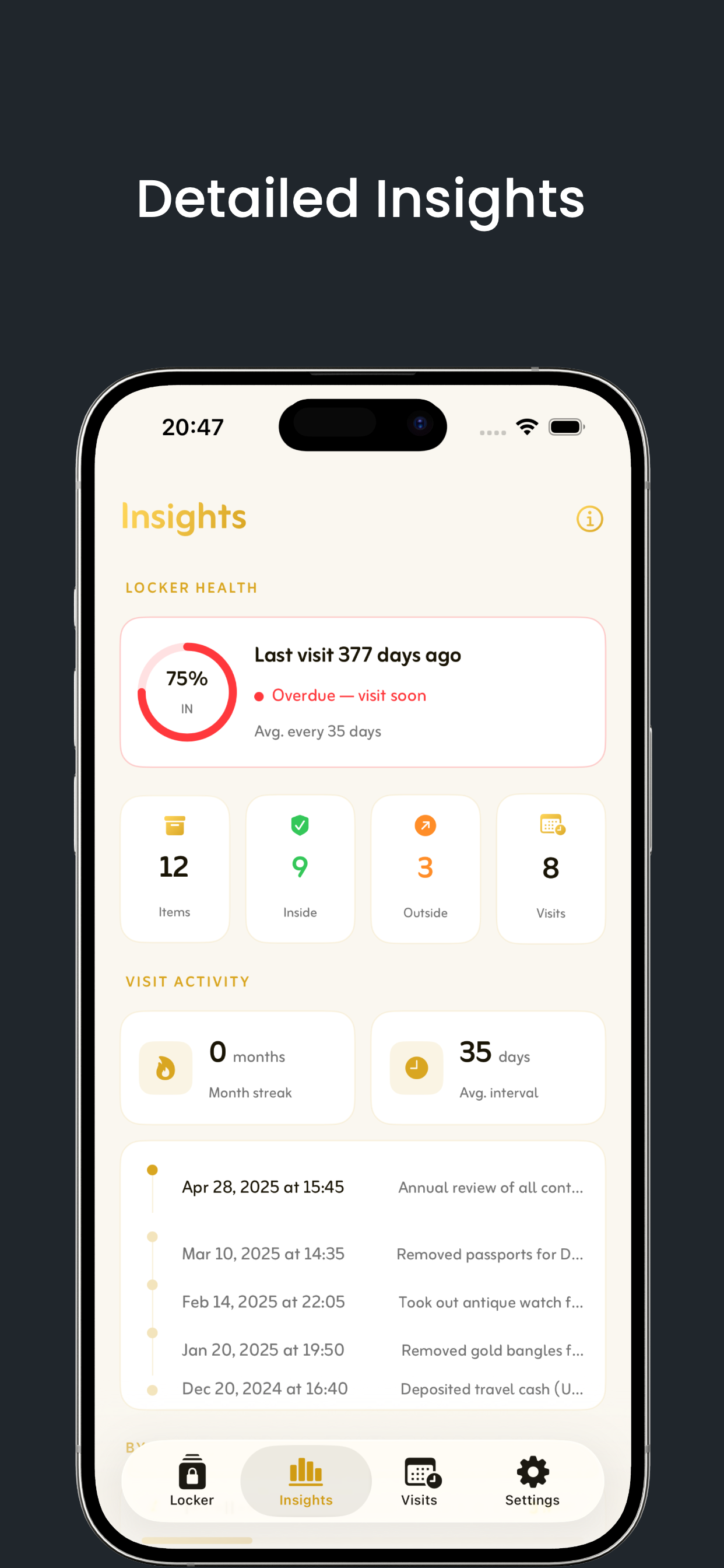
Insights
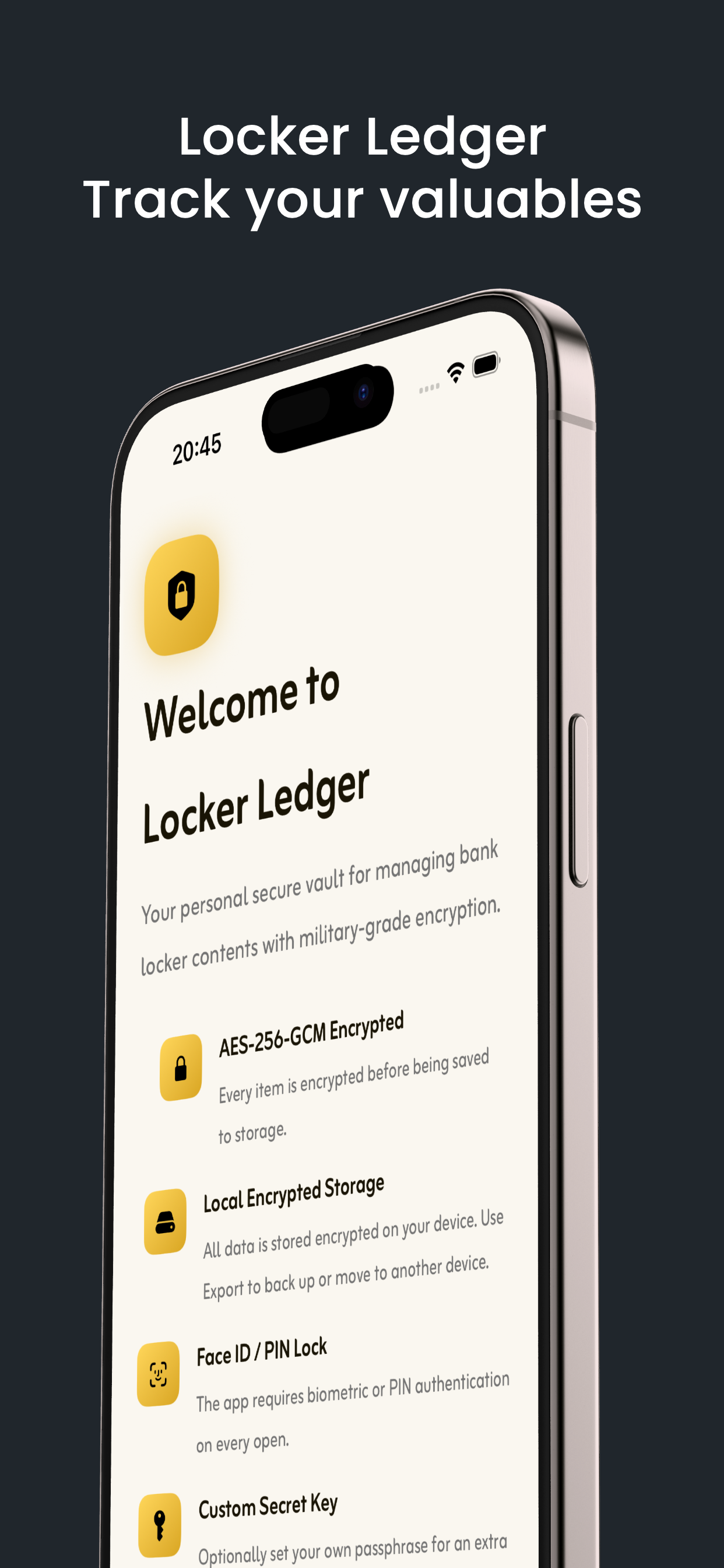
Track everything inside your bank locker — with military-grade encryption, Face ID protection, and the cleanest interface ever built for the job.
Free to download • 100% on-device • iOS
Every feature answers a real question: what's in my locker, when did I last go, is everything safe?
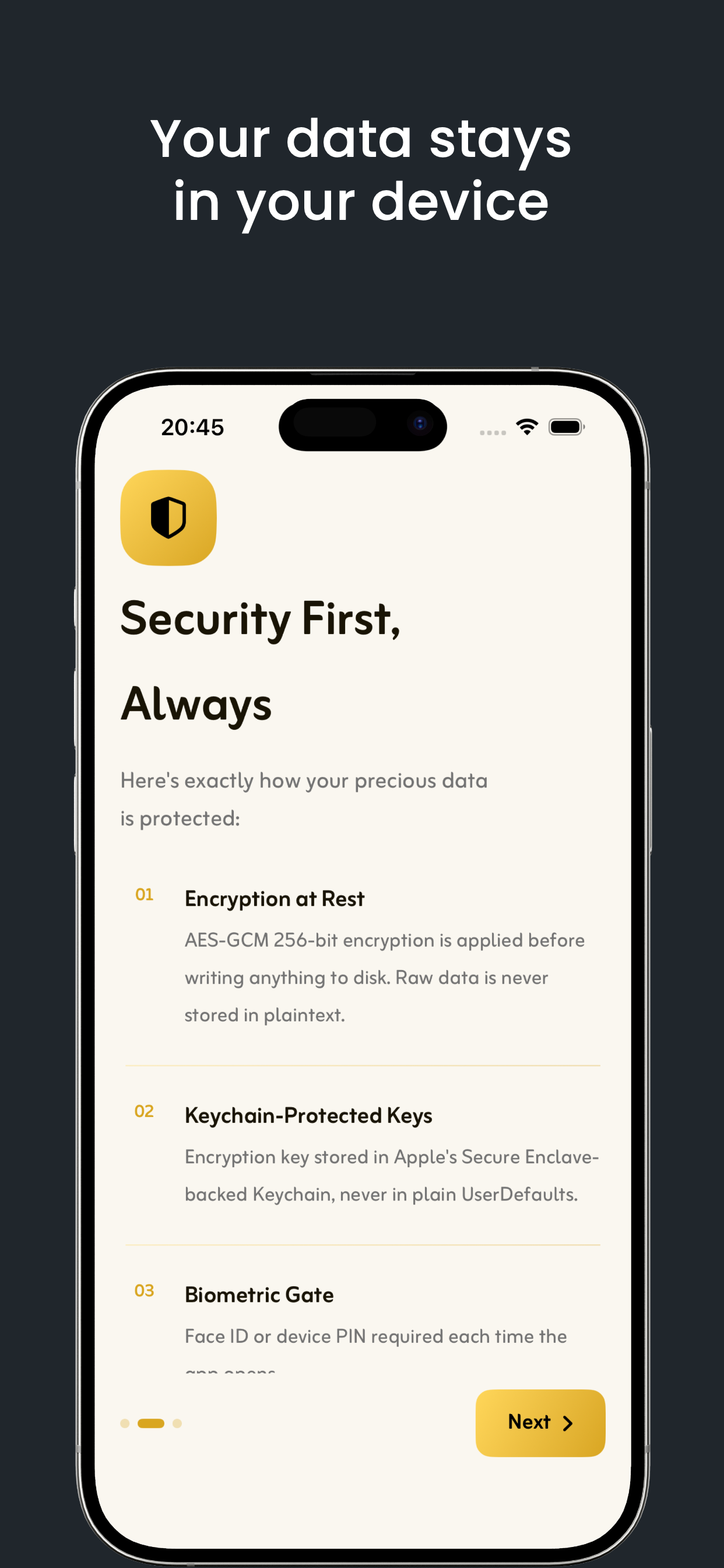
Every item name, description, photo, and visit log is encrypted with AES-256-GCM before being written to disk. Your encryption key lives in Apple's Secure Enclave Keychain — never in plain storage, never accessible to us, never transmitted anywhere.
Mark any item inside or outside your locker with one tap. Every change is timestamped — so you always know exactly when something moved and which direction.
Capture or choose photos of each item directly in the app. Images are resized, encrypted, and stored entirely on-device — never in a cloud you don't control.
Log every visit with a timestamp and optional note. Set a recurring reminder — monthly, quarterly, or annual — so you never lose track of how long it's been.
Category breakdown, in vs out count, last visit date — all at a glance. Know the state of your locker before you even leave the house.
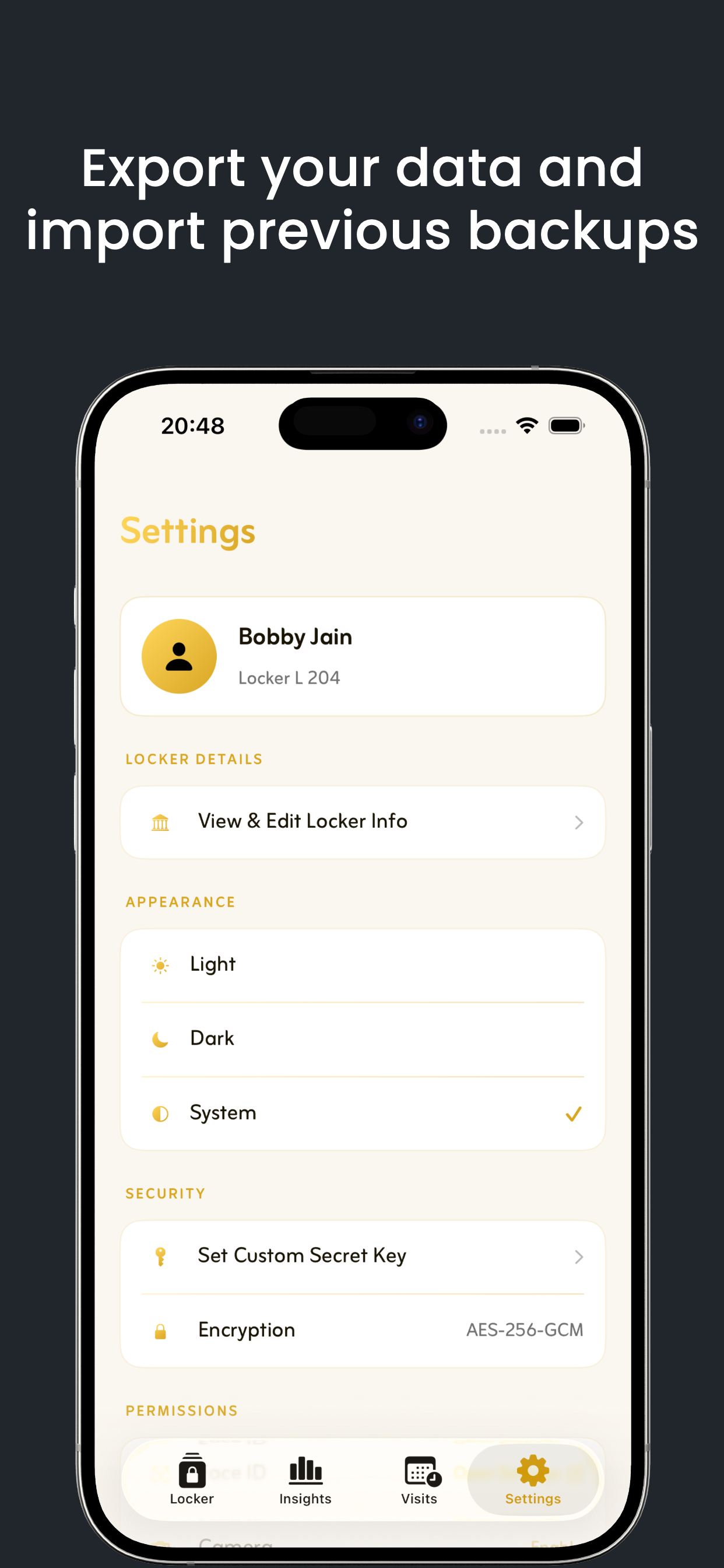
Export a single .lockerledger file — items, visits, photos — and AirDrop it securely to any device. Import restores everything in seconds.
Data is encrypted before it touches any storage. GCM mode provides both confidentiality and integrity — altered data is detected and rejected before it's ever read.
Encryption keys are stored with kSecAttrAccessibleWhenUnlockedThisDeviceOnly. They never appear in UserDefaults, iCloud, or any plaintext storage.
Face ID or device PIN is required every time you open the app. There is no back door, no recovery email, no password reset flow — by design.
Optionally set a personal secret key. We use HKDF-SHA256 to derive a second encryption key from your phrase — a second lock only you hold.
Install Locker Ledger from the App Store. No account, no sign-up, no server.
Add your name and locker details. Everything stays encrypted on your device from the first tap.
Add items with photos, categories, and current IN / OUT status. Each one encrypted immediately.
Log visits, toggle statuses, set reminders, view insights. Your locker, always accounted for.
Have a question about security, the app, or want to report something? Send us a message and we'll get back to you within 24 hours.
We reply within 24 hours.
Download free on the App Store. No account. No cloud. Just your data, on your device.
Not ready yet? Get an email reminder:
One email only. No marketing.